Web Design Training — Online & Classroom
Master HTML, CSS, JavaScript & Responsive Design
Get detailed syllabus, fees, batch timing, and placement roadmap in under 60 seconds.
- Live Projects
- 100% Placement Assistance
- Portfolio Building
- Lifetime Support
EMI options available | 1:1 counselor support
7-Day Money-Back Guarantee
Why SourceKode Web Design Training?
SourceKode's Web Design is a job-focused, NASSCOM-certified training program — combining industry-certified curriculum, live project experience, and dedicated placement support. Available online & at our Pune campus.
Course Overview
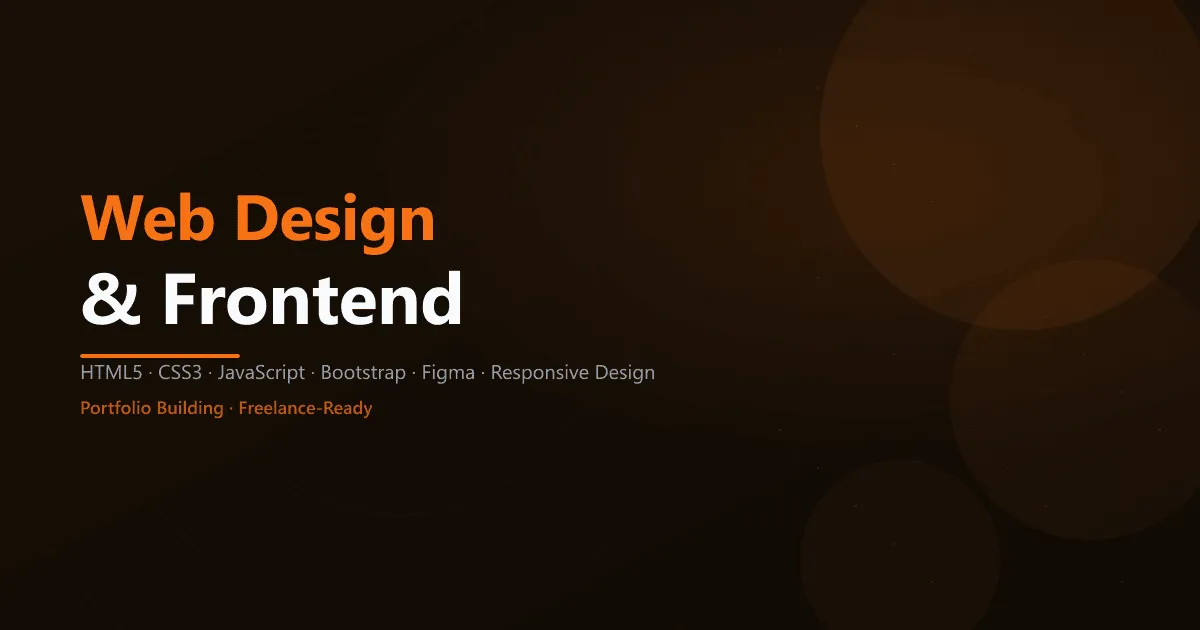
Start your web development journey with comprehensive Web Design training. Master HTML5, CSS3, and JavaScript to create beautiful, responsive websites that work perfectly on all devices - from mobile to desktop.
Web Design training at SourceKode teaches modern frontend development from scratch. Learn to build professional websites using industry-standard tools and frameworks, perfect for beginners starting their tech careers.
Why Learn Web Design?
- Easy Entry: No programming background required
- High Demand: Every business needs a website
- Quick Results: See your designs come to life immediately
- Freelance Friendly: High-paying freelance opportunities
- Foundation Skill: Gateway to React, Angular, and backend development
- Creative + Technical: Perfect blend of design and coding
- Remote Work: Work from anywhere as web designer
What You’ll Learn
- HTML5: Semantic markup, forms, multimedia
- CSS3: Styling, layouts, flexbox, grid, animations
- JavaScript: Interactivity, DOM manipulation, events
- Responsive Design: Mobile-first, media queries
- Bootstrap: Fast, responsive framework
- UI/UX Basics: Design principles and user experience
- Tools: VS Code, Git, Chrome DevTools
Course Syllabus (50+ Hours)
Module 1: HTML5 Fundamentals (10 hours)
- HTML structure and syntax
- Semantic elements (header, nav, article, section)
- Links, lists, tables
- Forms and input types
- Audio, video, and multimedia
- HTML5 APIs basics
Module 2: CSS3 Styling (15 hours)
- CSS selectors and specificity
- Box model (margin, padding, border)
- Colors, fonts, backgrounds
- Flexbox layout system
- CSS Grid layout
- Transforms and transitions
- Animations and keyframes
- CSS variables
Module 3: Responsive Design (8 hours)
- Mobile-first approach
- Media queries
- Viewport and meta tags
- Responsive images
- Fluid layouts
- Cross-browser compatibility
Module 4: Bootstrap Framework (7 hours)
- Bootstrap grid system
- Components (navbar, cards, modals)
- Utilities and helpers
- Responsive utilities
- Customizing Bootstrap
Module 5: JavaScript Basics (10 hours)
- Variables, data types, operators
- Functions and scope
- DOM manipulation
- Event handling
- Form validation
- Local storage basics
Module 6: UI/UX & Tools (5 hours)
- Color theory and typography
- Layout principles
- User experience basics
- Figma/Adobe XD introduction
- Git version control basics
- VS Code productivity
Module 7: Advanced Topics (5 hours)
- CSS preprocessors (Sass basics)
- Performance optimization
- SEO basics for designers
- Accessibility (WCAG basics)
- Browser DevTools
Major Projects
Personal Portfolio Website
- Multi-page responsive site
- Showcase your work
- Contact form
Business Landing Page
- Modern design
- Bootstrap components
- Call-to-action sections
E-commerce Product Page
- Product gallery
- Shopping cart UI
- Responsive design
Restaurant Website
- Menu display
- Booking form
- Location map integration
Blog Template
- Article listings
- Single post layout
- Sidebar and navigation
Career Opportunities
Web designers are in consistent demand:
- Web Designer - Average: ?3-8 LPA
- Frontend Developer - Average: ?4-10 LPA
- UI Developer - Average: ?4-9 LPA
- Freelance Web Designer - ?15k-60k per website
- UX/UI Designer - Average: ?5-12 LPA
Companies Hiring
- Agencies: Web design and digital agencies
- IT Companies: TCS, Infosys, Wipro (frontend roles)
- Startups: Almost all startups need web designers
- E-commerce: Flipkart, Amazon, Myntra
- Marketing: Digital marketing agencies
- Freelance Platforms: Upwork, Freelancer, Fiverr
Why Web Design is Essential
- Digital Presence: Every business needs website
- Mobile-First World: 60%+ traffic from mobile
- User Experience: Good design = better conversions
- E-commerce Boom: Online shopping growing rapidly
- Content Marketing: Blogs and landing pages essential
Prerequisites
- None Required: Complete beginner-friendly
- Basic computer skills
- Creative mindset
- Willingness to learn
Placement Support
- Resume Building with portfolio
- Mock Interviews
- Job Referrals to agencies
- Freelance platform setup (Upwork, Fiverr)
- Portfolio hosting guidance
- Client communication training
Why SourceKode for Web Design?
? Beginner-Friendly: No coding experience required
? Hands-On: Build 5+ real websites
? Modern Curriculum: HTML5, CSS3, ES6 JavaScript
? Portfolio Building: Showcase your work
? Freelance Training: Start earning while learning
? Career Support: Agency placements
? 600+ Students: Proven teaching methodology
Tools & Technologies
- Editor: VS Code
- Version Control: Git, GitHub
- Design: Figma/AdobeXD basics
- Frameworks: Bootstrap, Tailwind CSS basics
- Testing: Chrome DevTools, BrowserStack
- Deployment: GitHub Pages, Netlify
Path to Advanced
After Web Design, progress to:
- React for modern SPAs
- Angular for enterprise apps
- Node.js for full-stack development
- UI/UX Design for advanced design skills
Course Features
- Language English, Hindi, Marathi
- Duration 3 Months
- Lectures 50+ Hours
- Projects 5+ Website Projects
- Skill Level Beginner
- Certification Yes
- Max Students 25
Enroll Now
Start your Web Design journey today!
Live Project Experience
Industry Certification
100% Placement Assistance
Flexible Batch Timings
EMI Options Available
Get Free Demo
Suggested Courses



Training Available In
Frequently Asked Questions
Ready to Start Your Web Design Career?
Join 1000+ trained students nationwide. Online batches pan-India. Classroom training at our Pune campus.