iOS Development Training — Online & Classroom
Build Premium iOS Apps with Swift & SwiftUI for iPhone and iPad
Get detailed syllabus, fees, batch timing, and placement roadmap in under 60 seconds.
- Live Projects
- 100% Placement Assistance
- Industry Expert Trainers
- Lifetime Support
EMI options available | 1:1 counselor support
7-Day Money-Back Guarantee
Why SourceKode iOS Development Training?
SourceKode's iOS Development is a job-focused, NASSCOM-certified training program — combining industry-certified curriculum, live project experience, and dedicated placement support. Available online & at our Pune campus.
Course Overview
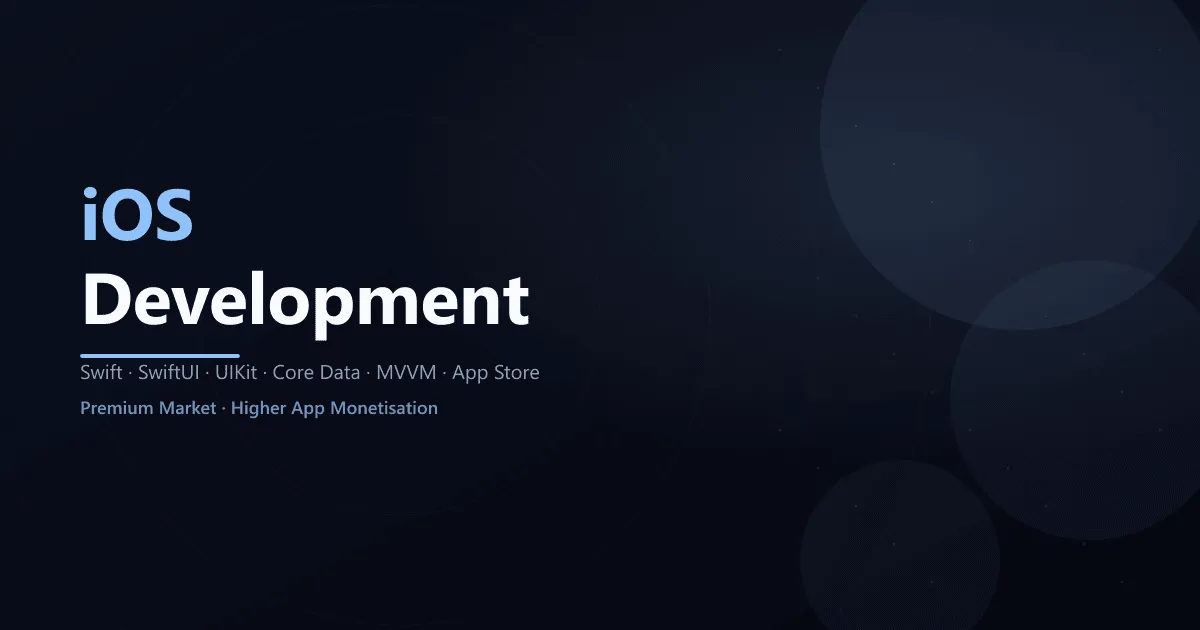
Enter the premium world of iOS development and build beautiful, native applications for iPhone, iPad, Apple Watch, and Mac. Learn Swift and SwiftUI, Apple’s modern programming language and UI framework, to create apps for the world’s most profitable mobile ecosystem.
iOS training at SourceKode covers Swift programming, SwiftUI, UIKit, Xcode, App Store submission, and Apple’s ecosystem. Learn to build the premium apps that iOS users love, with higher monetization potential than any other mobile platform.
Why Learn iOS Development?
- Premium Market: iOS users spend 2x more on apps than Android users
- Higher Revenue: Better monetization through App Store
- Quality Standards: Apple’s strict guidelines ensure quality apps
- High Salaries: iOS developers earn premium salaries (?6-18 LPA)
- Modern Technology: Swift is safe, fast, and expressive
- Cross-Platform: Build for iPhone, iPad, Mac, Watch, TV with shared code
- Career Prestige: Work on apps for world’s most valuable brand
- Growing Ecosystem: SwiftUI makes development faster and more intuitive
What You Will Learn
- Swift Programming: Modern syntax, optionals, closures, protocols
- SwiftUI: Declarative UI framework for all Apple platforms
- UIKit: Traditional iOS UI framework (still widely used)
- Xcode: Apple’s powerful IDE for iOS development
- App Architecture: MVC, MVVM design patterns
- Data Persistence: Core Data, UserDefaults, File System
- Networking: REST APIs, URLSession, JSON parsing
- App Store: Publishing apps to Apple App Store
Comprehensive Course Syllabus
Module 1: Swift Programming (18 Hours)
Swift Basics
- Introduction to Swift & Playgrounds
- Variables (var) & Constants (let)
- Data Types & Type Safety
- Operators & Expressions
- String Manipulation
- Optionals & Optional Binding
- Control Flow (if, guard, switch, loops)
Functions & Closures
- Functions & Parameters
- Return Types
- Variadic Parameters
- Closures & Trailing Closures
- Capturing Values
- Escaping Closures
Object-Oriented Swift
- Classes & Structures
- Properties (Stored, Computed, Lazy)
- Methods & self
- Initializers
- Inheritance
- Protocols & Protocol Extensions
- Extensions
- Enumerations with Associated Values
Advanced Swift
- Generics
- Error Handling (do-try-catch)
- Optional Chaining
- Type Casting
- Access Control
- Memory Management (ARC)
Module 2: SwiftUI Fundamentals (16 Hours)
SwiftUI Basics
- Introduction to SwiftUI
- Views & Modifiers
- Text, Image, Button
- Stacks (VStack, HStack, ZStack)
- Lists & ForEach
- State Management (@State, @Binding)
- Navigation (NavigationView, NavigationLink)
Advanced SwiftUI
- Forms & User Input
- Pickers & Steppers
- @ObservedObject & @StateObject
- @EnvironmentObject
- Custom Views & View Builders
- GeometryReader
- Animations & Transitions
- Gestures
Module 3: UIKit (Traditional iOS) (12 Hours)
UIKit Basics
- UIViewController Lifecycle
- Storyboards & Interface Builder
- Auto Layout & Constraints
- UIView, UILabel, UIButton
- UITableView & Delegates
- UICollectionView
- Navigation Controllers
- Tab Bar Controllers
Advanced UIKit
- Segues & Data Passing
- Custom Table Cells
- Container Views
- Programmatic UI
- Animations with UIView
Module 4: Data & Networking (10 Hours)
Data Persistence
- UserDefaults
- File Manager & File System
- Core Data Basics
- Core Data CRUD
- Fetch Requests & Predicates
- Core Data with SwiftUI
Networking
- URLSession Basics
- GET & POST Requests
- JSON Parsing with Codable
- Error Handling
- Async/Await (iOS 15+)
- Combine Framework Introduction
- REST API Integration
Module 5: iOS Features (8 Hours)
Device Features
- Camera & Photo Library
- Core Location & MapKit
- Local Notifications
- Push Notifications (APNs)
- Contacts Framework
- Core Motion (Accelerometer)
iOS Services
- Firebase Integration
- Firebase Authentication
- Firestore Database
- Firebase Storage
- Crashlytics
Module 6: Advanced Topics (8 Hours)
App Architecture
- MVC Pattern
- MVVM Pattern
- Coordinator Pattern
- Dependency Injection
Performance & Testing
- Instruments for Profiling
- Memory Leaks Detection
- XCTest Unit Testing
- UI Testing
- Test-Driven Development
App Store & Deployment
- Apple Developer Account
- Provisioning Profiles & Certificates
- App Icons & Launch Screens
- App Store Connect
- TestFlight Beta Testing
- App Store Submission
- App Review Guidelines
Major Projects
Social Media Feed App
- SwiftUI interface
- Firebase authentication
- Photo upload with Camera/Gallery
- Like & comment features
- User profiles
- Pull-to-refresh
Weather Application
- REST API integration (OpenWeatherMap)
- Core Location for current location
- Beautiful custom UI
- Forecast display
- Multiple cities support
- Dark mode
Task Manager (Core Data)
- CRUD operations with Core Data
- Categories & tags
- Search & filtering
- Reminders with notifications
- Swipe actions
- Widgets (iOS 14+)
Certification
Upon successful completion of the course and projects, you will receive a Certificate of Completion from SourceKode Institute, recognized by top IT companies.
Career Opportunities
iOS developers command premium salaries:
- iOS Developer - Average: ?6-15 LPA
- Swift Developer - Average: ?6-14 LPA
- Mobile App Developer - Average: ?5-13 LPA
- Senior iOS Engineer - Average: ?12-22 LPA
- iOS Architect - Average: ?18-35 LPA
Companies Hiring iOS Developers
- Product: Apple, Google, Microsoft, Amazon
- E-commerce: Flipkart, Amazon India, Myntra
- Fintech: PayTM, PhonePe, CRED, Razorpay
- Social: Meta, Snapchat, Twitter
- Startups: Swiggy, Zomato, Ola, Urban Company
- IT Services: TCS, Infosys, Cognizant, Accenture
iOS vs Other Mobile Platforms
- vs Android: Higher revenue per user, premium market, unified ecosystem
- vs Flutter/React Native: Native performance, full API access, best UX
- Advantage: Better monetization, quality user base, Apple ecosystem
Prerequisites
- Basic programming knowledge (any language)
- Mac computer required (macOS for Xcode)
- No prior mobile development experience needed
- Apple ID for development (free)
Placement Support
Comprehensive placement assistance including:
- Resume Building with iOS projects
- Mock Technical Interviews (Swift + iOS internals)
- Job Referrals to product companies
- GitHub portfolio with App Store apps
- LinkedIn optimization
- Interview preparation covering:
- Swift fundamentals
- iOS architecture (MVC, MVVM)
- Memory management (ARC)
- App lifecycle
- View controllers
- Networking
- App Store publication guidance
- Freelancing opportunities (iOS apps pay more)
Why SourceKode for iOS?
? Latest Swift & SwiftUI: Always updated to current iOS
? Real Device Testing: Test on actual iPhones/iPads
? App Store Submission: Publish your apps
? SwiftUI & UIKit: Learn both modern and traditional
? Expert Trainers: Apple platform specialists
? Small Batches: Maximum 15 students for personalized attention
? Mac Lab: Access to Mac computers for practice
Requirements
- Mac computer (MacBook, iMac, or Mac Mini) for development
- Xcode (free download from App Store)
- Apple ID (free)
- Apple Developer Account ($99/year - optional, only for App Store publishing)
- iPhone/iPad for testing (optional, can use simulator)
Course Features
- Language English, Hindi, Marathi
- Duration 3 Months
- Lectures 65+ Hours
- Projects 3+ iOS Apps
- Skill Level Beginner to Advanced
- Certification Yes
- Max Students 15
Enroll Now
Start your iOS Development journey today!
Live Project Experience
Industry Certification
100% Placement Assistance
Flexible Batch Timings
EMI Options Available
Get Free Demo
Suggested Courses




Training Available In
Frequently Asked Questions
Ready to Start Your iOS Development Career?
Join 1000+ trained students nationwide. Online batches pan-India. Classroom training at our Pune campus.